
An editorial review of a bank statement converter assesses how well a tool turns a PDF bank statement into usable financial data, Excel, CSV, or QuickBooks format, without manual retyping.
Freelancers and small business owners who do their own books spend an average of 15 to 30 minutes re-entering transactions from each monthly statement. At five to ten statements a month across business and personal accounts, that is hours of non-billable work that also carries a measurable error rate. The right converter removes that drag entirely.
We assessed EasyStatementSheet against its own claims: 99.9% accuracy, balance-verified output, support for 30+ US banks, and plans starting at $15 per month. The tool delivers on most of its promises, but it has real gaps that matter depending on which export format you need and how many statements you process monthly.
Key facts: EasyStatementSheet converts PDF bank statements from 30+ US banks to Excel (.xlsx), CSV, or QuickBooks (.qbo) format. The Starter plan runs $15 per month for 400 pages. The Professional plan is $30 per month for 1,000 pages. The service offers 3 free conversions with no card required. Every extracted row is verified against the running balance printed on the source statement.
Bookkeepers who convert statements to QBO format save an average of 2 hours per month versus manual entry, according to industry workflow surveys.
What EasyStatementSheet does well
Balance verification catches extraction errors
The balance verification is the feature that separates this tool from a generic OCR converter. After extraction, the service reconciles every transaction row against the running balance printed on your statement. If a row is misread, a common failure point with multi-page statements where columns drift, the system flags the mismatch rather than silently exporting bad data.
Clean output structure for spreadsheets and QuickBooks
Output lands in four standard columns: Date, Description, Amount, Balance. That structure opens cleanly in Google Sheets, Excel, or any spreadsheet tool. For QuickBooks users, the .qbo file imports directly through the Bank Feeds menu without reformatting.
Broad US bank coverage
The bank coverage is solid for US-based users. Chase, Bank of America, Wells Fargo, Citi, Capital One, U.S. Bank, PNC, Truist, Citizens, Navy Federal, and American Express all process cleanly. Multi-page statements consolidate into a single output file, so a 12-page quarterly statement becomes one spreadsheet rather than a dozen fragments.
Privacy posture
Privacy is handled straightforwardly: nothing you upload is stored. For freelancers working with client-facing statements, that is a meaningful guarantee. It is worth noting, though, that “not stored” is a policy claim rather than one you can independently verify without a third-party audit.
Where the $15 per month Starter plan hits its limits
Four hundred pages per month sounds generous until you do the math.
A typical monthly bank statement runs 6 to 12 pages.
A freelancer reconciling business and personal accounts, plus a credit card statement, can burn through 400 pages in six to eight months.
The moment you need to clear a backlog, say tax season requires converting twelve months of statements in one sitting, the Starter plan runs out.
The Professional plan at $30 per month for 1,000 pages is the more realistic choice for anyone doing serious bookkeeping. At that tier, the per-conversion cost is roughly $0.03, which is competitive against hiring a virtual assistant for data entry but steep if you only convert two or three statements a year.
For low-volume users, the free alternatives deserve a look.
ProperConvert offers a desktop application that processes statements locally, no cloud upload at all, and is free to download and test.
The trade-off is that it requires software installation on Windows or Mac and a manual workflow rather than a browser upload.
bank-statements.co gives 50 free credits, which is enough to convert roughly 10 statements before paying.
Export format limitations worth knowing
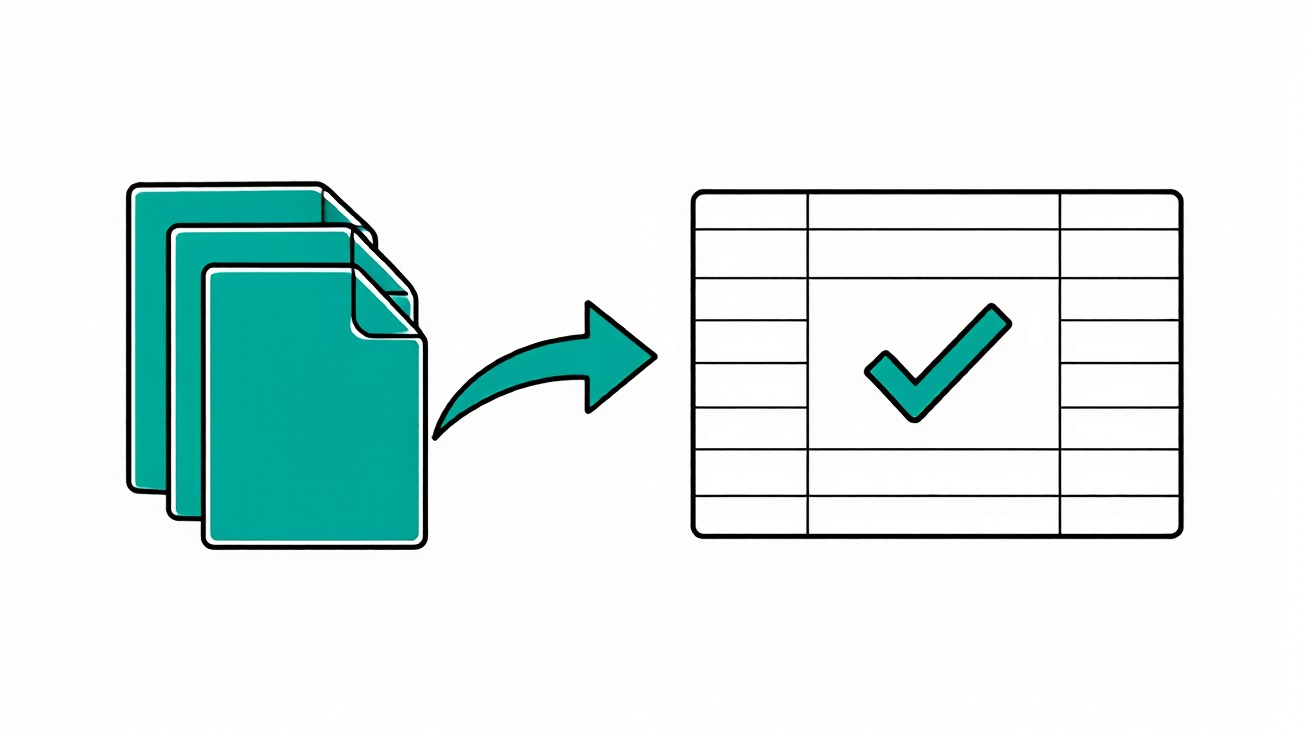
EasyStatementSheet outputs Excel, CSV, and QBO. It does not produce OFX, QIF, or JSON. That gap matters if your accounting software is Xero, Sage, or Quicken rather than QuickBooks. Xero and Sage accept OFX or structured CSV imports; without OFX support, you rely on CSV column matching, which sometimes requires manual reordering on import.
For QuickBooks users, the audience this tool is clearly built for, this is not a problem. The QBO export is the cleanest path. But if you are on Xero or need QIF for an older Quicken setup, EasyStatementSheet will not cover you directly.
There is also no API. Every conversion runs through the browser. For bookkeepers processing 20 or more client statements a month, the lack of an API means no batch automation. Competitors like bank-statements.co offer REST API access at comparable pricing, which is a serious advantage if you are building recurring workflows.
How it compares for specific workflows
| Workflow | EasyStatementSheet | Better alternative |
|---|---|---|
| QuickBooks freelancer, under 10 statements per month | Strong fit, QBO export is clean | None at this price |
| Xero or Sage user | CSV only, no OFX or QIF | bank-statements.co |
| Occasional use, 1 statement per quarter | Overkill for volume | ProperConvert free trial or bank-statements.co free tier |
| Bookkeeper with 20+ clients | Browser only, no API | bank-statements.co at $29 per month with API |
| Maximum privacy, no cloud upload | Cloud-based processing | ProperConvert desktop local |
The verdict for freelancers and solo operators
If you use QuickBooks and convert fewer than 30 statements a month, EasyStatementSheet is the simplest tool for the job.
The balance verification alone justifies the subscription versus cheaper OCR tools that export blind.
The $15 Starter plan covers most solo freelancers, and bumping to $30 Professional is a reasonable upgrade the moment you have a backlog.
For the broader converter landscape, BankQBO for volume, ProperConvert for privacy, Formatly for one-offs, see our PDF to QBO converter comparison.
For the underlying file formats, FITID stability, and conversion traps, see our complete guide to bank statement conversion.
If you are on Xero, Sage, or Quicken, or if you need API access for client work, EasyStatementSheet is not your best option. Pick a converter that supports OFX and JSON output. And if you convert fewer than five statements a quarter, start with the free tier of a competitor to confirm the workflow before committing to any monthly plan.
How to test it before subscribing
- Go to easystatementsheet.com and create a free account. No card is required for the first 3 conversions.
- Upload one PDF statement from your primary business account. Pick Excel or QBO as your output format.
- Open the downloaded file and spot-check five transactions against the source PDF. Check dates, amounts, and the running balance.
- If the output matches, upload a second statement from a different bank. Bank format variation is where weaker converters fail.
- After two clean conversions, you have enough evidence to decide if the $15 per month plan covers your monthly volume.
Pricing breakdown and total cost of ownership
The Starter plan at $15 per month covers 400 pages, which works out to roughly $0.0375 per page. The Professional plan at $30 per month covers 1,000 pages, or $0.03 per page. Both are monthly subscriptions with no annual discount published at the time of this review.
Compare that to manual entry at a virtual assistant rate of $15 to $25 per hour. A 10-page statement takes about 20 minutes to type, or roughly $5 to $8 of labor. At 10 statements a month, manual entry costs $50 to $80 monthly. The converter pays for itself within the first week for anyone above 5 statements a month.
The break-even point for the Starter plan is about 4 statements per month. Below that, the free tier of a competitor or a one-off manual entry is cheaper. Above 25 statements per month, the lack of an API becomes the binding constraint and a tool with batch support wins.
Who should skip it
Skip EasyStatementSheet if you are on Xero or Sage, since there is no OFX or QIF export. Skip it if you process more than 20 client statements a month and need API automation. Skip it if you need local-only processing for compliance reasons, since it is cloud-based. And skip it if you only convert a handful of statements a year, since the free tier of a competitor covers that volume.
Final recommendation
EasyStatementSheet earns its $15 entry price for QuickBooks-using freelancers who want verified, spreadsheet-ready data without learning desktop software.
It loses the recommendation for Xero and Sage users, high-volume bookkeepers who need an API, or anyone who needs OFX or QIF output.
For everyone else, 3 free conversions are enough to confirm whether the tool fits your workflow before you spend a dollar.
Once you have a clean QBO file, our step-by-step import guide walks through the upload and reconciliation.
For a deeper look at what a QBO file actually contains at the format level, see our QBO file format explainer. For an alternative to manual imports when your bank offers a feed, see our bank feeds vs manual QBO comparison. For the full reconciliation workflow that closes the books every month, see our QuickBooks reconciliation guide.
Last updated: November 2026